 HellForge
Forge your levels
Master your craft
A level editor for idTech4-based games, targeting HellCore, RBDOOM-3-BFG and dhewm3. Built for level designers who demand precision, power, and total control.
- Multi-format map support
- 3D brush workflow
- Python scripting API
- Built-in MCP server
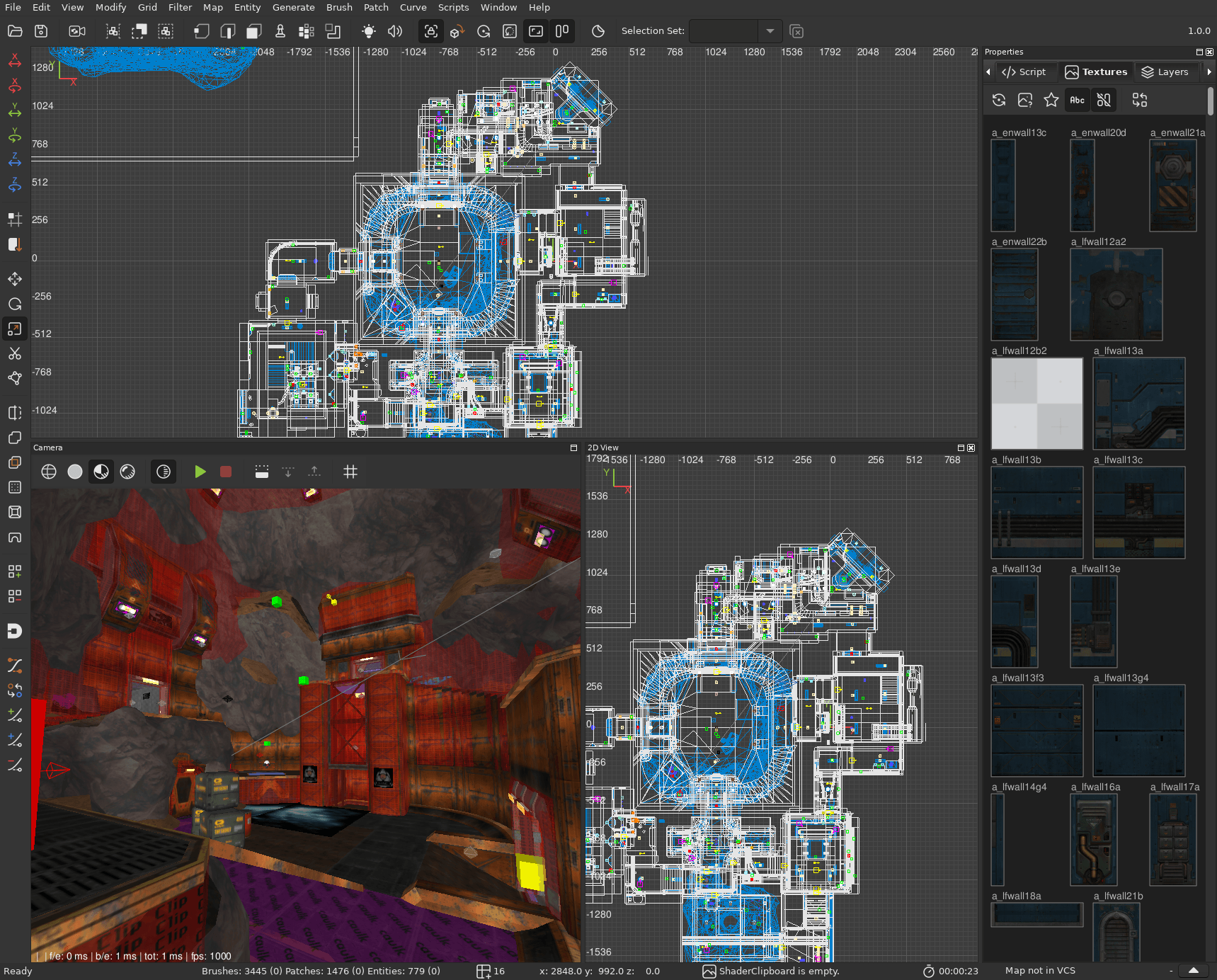
Power tools for hellish performance
Every feature designed for maximum productivity and ergonomy for level designers.
Multi-Format Map Support
Open and edit Quake 1, Quake 2 and Valve 220 MAP formats. Import Source engine VMF maps. Experimental OpenStreetMap importer for real-world geometry.
3D Camera Workflow
Create and manipulate brushes directly in the 3D view. Alt+scroll to resize faces, Ctrl+scroll for symmetric resize, Shift+scroll for trim brushes.
Advanced CSG Tools
Intersect, Passable, Shell, and Bridge operations. Plus stairs, arch, cable, and corner patch generators for complex geometry.
Command & Insert Palettes
Quick access to editor actions via command palette. Learner mode shows keyboard shortcut hints directly in the 3D viewport.
Visual Material Browser
Visual preview mode for browsing textures. Control the opacity of utility textures like clip and caulk in the viewport.
MCP Server for AI Agents
Built-in MCP server lets AI agents operate the editor programmatically: creating brushes, placing entities, and executing commands via natural language.
Check out our new features
New tools and workflows designed to make level editing faster and more intuitive.
Manipulate Brushes in 3D
Create brushes directly in the 3D viewport with LMB drag. Resize or extrude with mouse scroll. No more switching between 2D orthographic views just to draw basic geometry. Select and create in one fluid motion.
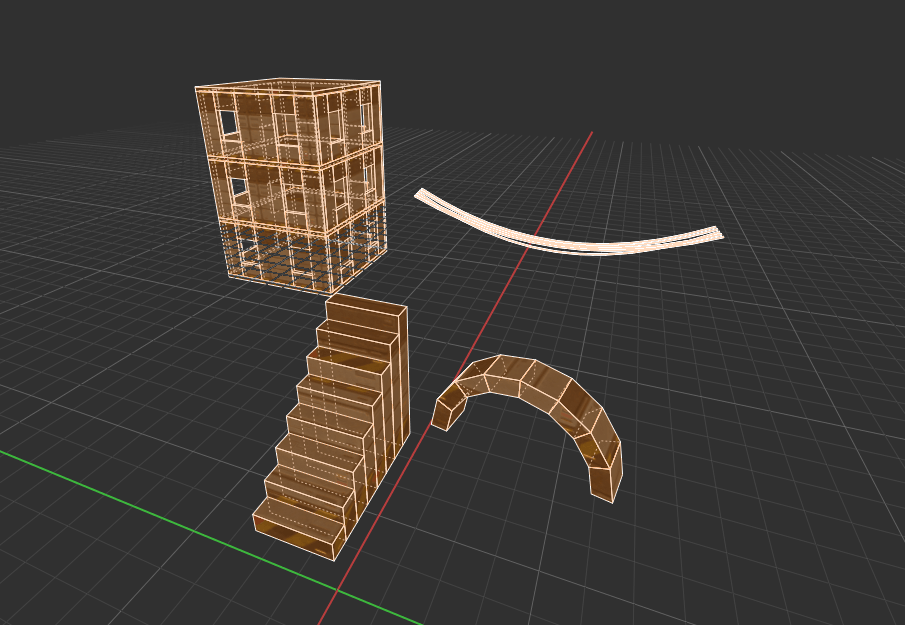
Built-in Geometry Generators
HellForge ships with procedural generators for stairs, arches, terrain, cables, corner patches, and sweep extrusions. Plus array and scatter tools to duplicate and distribute geometry across your level.
New CSG Operations
Exciting new CSG operations, including Intersect, Bridge, Seal, Passable and Shell. Build complex architecture faster with powerful boolean and shaping tools.
Decal Shooter
Point-and-click tool for placing decal textures onto surfaces directly from the 3D camera view. No more fiddling with manual alignment. Just aim and shoot decals where you want them.
Tile-based Map Designer
Grid-based map layout tool for rapid prototyping. Place and arrange tile pieces to quickly sketch out level layouts before committing to detailed geometry.
A toolbox built for level designers
New tools, procedural generators and engine support, on top of everything DarkRadiant already does.
Array Modifier
Duplicates selected brushes/entities in configurable array patterns.
Scatter Tool
Scatters copies of selected objects across surfaces with configurable parameters.
Polygon Tool
Draw arbitrary polygon shapes in the 2D ortho views, allowing for a Doom 1-map editing workflow.
Decal Shooter
Point-and-click tool for placing decal textures onto surfaces directly from the 3D camera view.
CSG Intersect
Computes the intersection of selected brushes, keeping only the overlapping volume.
CSG Passable
Turns solid volumes into wall shells and carves away interior geometry.
CSG Shell
Similar to Passable but repositions brushes to avoid overlap.
CSG Bridge Tool
Creates bridge geometry connecting two selected faces from different brushes.
Corner Patch Generator
Generates corner patch meshes.
Sweep Tool
Extrudes a brush profile along a curve.
Tile-based Map Designer
Layout-based map design using a tile grid.
OSM Importer
Experimental import of OpenStreetMap data into maps.
Wall Tool
Draws connected walls and rooms.
Terrain Sculpt Tool
Brush-based height sculpting on patch terrain.
Vertex Paint Tool
Vertex color painting for terrain meshes (ASE, LWO).
Parametric Cut
Choose a brush and cut it based on parametric rules.
Carve Tool
Quickly carve brushes based on Door/Window meshes.
Import WADs
Import Doom maps with correct scale, texture replacement and entity replacements.
Terrain Generator
Procedural terrain generation using Perlin and Simplex noise algorithms.
Stairs Generator
Generates staircases with straight, spiral, L-shaped and U-shaped configurations.
Cable Generator
Creates cable/rope geometry between points.
Arch Generator
Generates arch geometry with configurable parameters.
Building Generator
Generates building structures, can work with or without a reference brush.
Facade Generator
Generates building facades.
City Planner
Generates whole city layouts from presets including grid city, medieval village, downtown, industrial park, suburban sprawl, walled compound and Voronoi districts.
Road Tool
Generate road networks from any number of selected curves.
Roof Generator
Generate roofs for any brushes.
- modelscale spawnarg support
- MD5v11 (ETQW) and MD5v12 (Storm Engine 2)
- Quake 4 decl
- HellCore decl
- RBDOOM-3-BFG PBR materials
- Valve VMF, Valve 220, Doom, Quake 1, Quake 2 and Quake 3
Changes from DarkRadiant
HellForge has very opinionated features, keybindings and a different workflow. We contribute back to upstream DarkRadiant for features that are generic, like the array, scatter and polygon tools. However, other features would dramatically change how DarkRadiant operates and we don't want that.
- Create and manipulate brushes directly in the 3D camera view
- Shift+scroll creates a trim brush from a face and resizes it
- Ctrl+scroll resizes hit face and opposite face symmetrically
- Dark UI by default, with a theme manager system
- Game configuration manager for managing multiple game setups
- Quickly create a sealing brush enclosing any selection
- Control the opacity of utility textures (clip, caulk) in the viewport
- Settings panel to configure anti-aliasing and other visual options across all viewports
- Command palette for quickly running and discovering operations
- Insert palette for quickly adding entities to the map
- Goto mode, similar to Sublime Text, for quick entity navigation
- Learner mode for onboarding new users
- Visual preview mode for browsing textures
- Thumbnail browser in the Media panel
- Asset browser panel with thumbnail previews and drag-and-drop placement into the map
- AAS file visualization with data exposed to Python scripting and MCP
- Position input fields on the entity tab for precise adjustments
- Polygon tool also works in the 3D viewport
- Metric grid sizes alongside the standard grid
- Rotation snap menu for choosing the snap angle
- Sew selected patches together
- Convert a selected patch into a model in one step, replaced in place and ready to paint
- Previews vertex colour terrain blends by running the material's own ARB vertex/fragment programs while the Vertex Paint panel is open
- Orbit camera view in the MD5 model viewer
Full scripting API. Automate everything.
Like Blender, HellForge exposes a complete Python scripting interface. Access the SceneGraph, Shader System, Virtual File System, and more. Write scripts to automate repetitive tasks, create custom tools, or build entirely new workflows. HellForge also includes an MCP server that lets AI agents operate the editor programmatically for AI-assisted level design.
SceneGraph
Traverse and manipulate the entire level structure
Shader System
Query and modify materials programmatically
Virtual File System
Access game assets and mod resources
Selection
Iterate selected brushes, patches, and entities
Entity System
Spawn, modify, and query entity properties
Brush Operations
CSG, vertex manipulation, and transforms
import darkradiant as dr

for node in GlobalSelectionSystem.getSelectedBrushNodes():
    c = node.getWorldAABB().origin
    e = GlobalEntityCreator.createEntity(
        GlobalEntityClassManager.findClass("light"))
    e.getEntity().setKeyValue("origin",
        f"{c.x()} {c.y()} {c.z() + 128}")
    e.getEntity().setKeyValue("light_radius", "256 256 256")
    e.getEntity().setKeyValue("_color", "1 0.8 0.6")
    e.addToContainer(GlobalMap.getWorldSpawn())
print(f"Added 1 light")AI-assisted level design with MCP Server
HellForge includes a built-in MCP server that allows AI agents to operate the editor programmatically. This enables entirely new workflows where an agent can build and modify maps using natural language instructions.
Combined with the Python scripting API, the MCP server makes HellForge one of the most extensible and automatable level editors available. Let AI handle the repetitive work while you focus on creative decisions.
- Create brushes, place entities, and modify maps programmatically
- Browse materials and game assets through the AI agent
- Execute editor commands via natural language instructions
- Learn shortcuts, get tips, and discover level design techniques
Forged in HellForge
Maps created by our community of dedicated level designers.
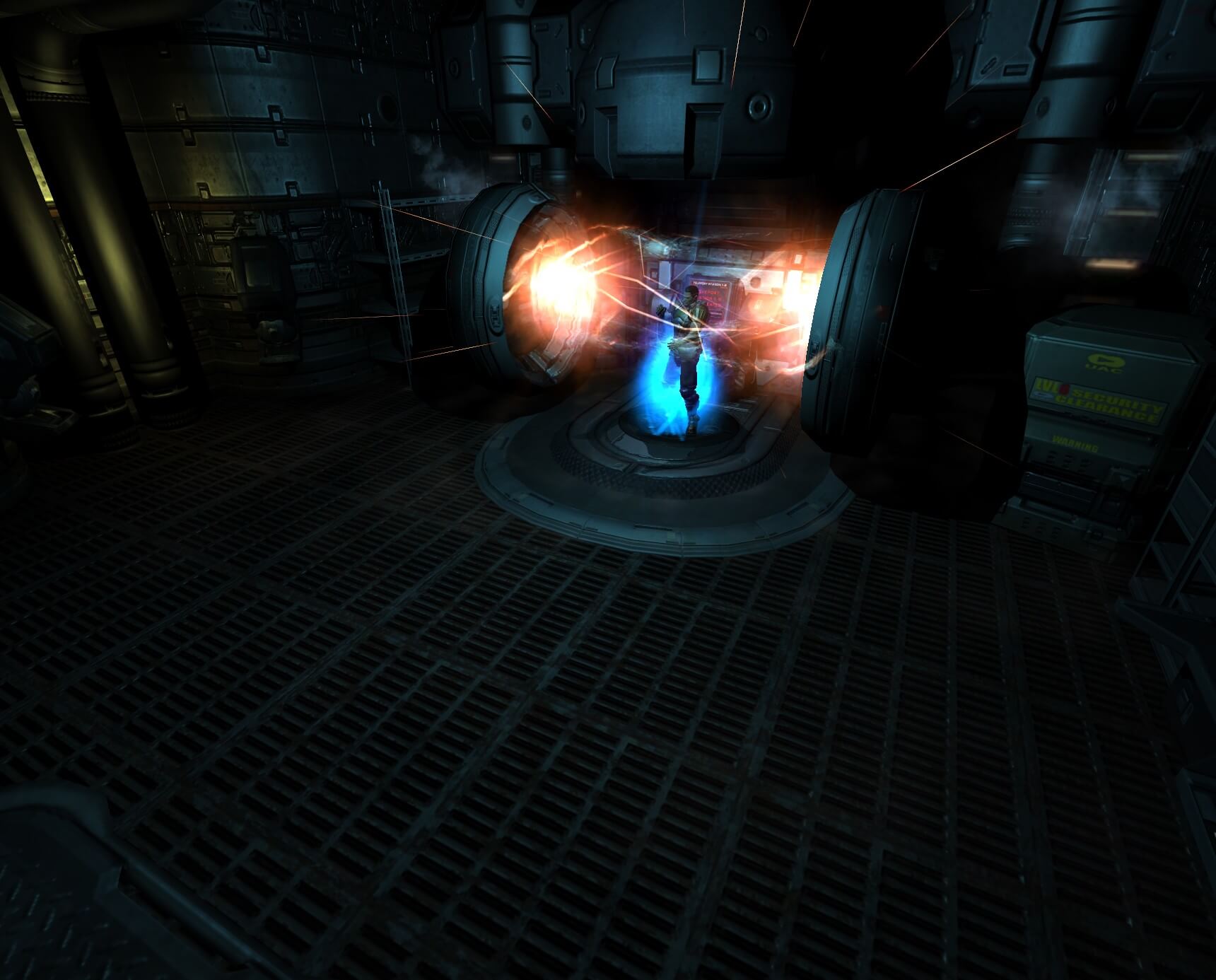
Trite Breeding Facility
by Thearrel 'Kiltron' McKinney
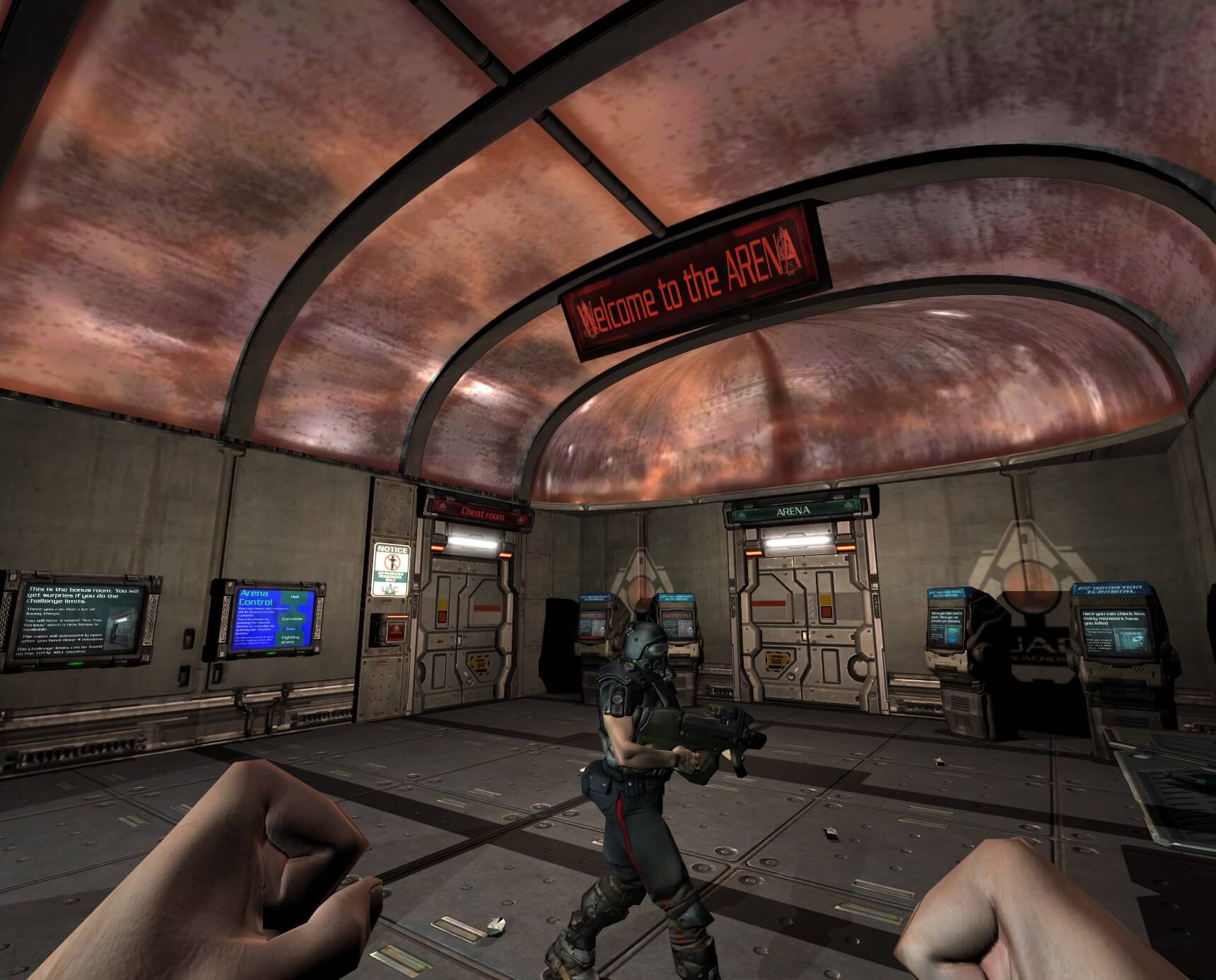
Arena
by Jooo
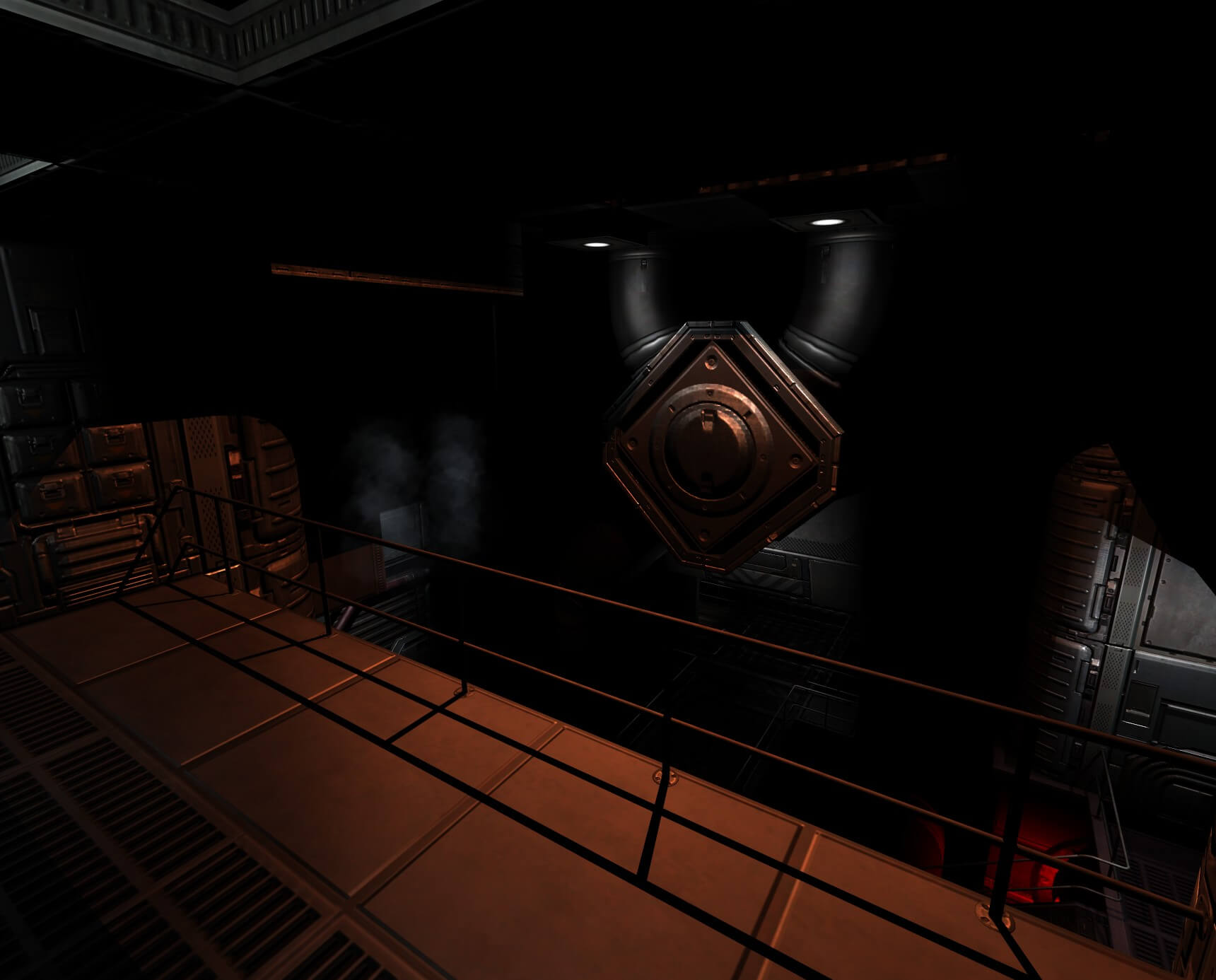
The Sigma Core
by Ryan 'Quaker-X' Rutherford
Ready to descend?
Download HellForge and start building. Free, open source under GPLv2, forever.